




















How to Connect the Kaelen Motorized Track to the App
A simple, refined way to elevate your space—learn how to Connect the Kaelen Motorized Track to the App.
Connect the Kaelen Motorized Curtain Track to your phone
One tap to open, close, or pause—effortless comfort, every day
Key Features:
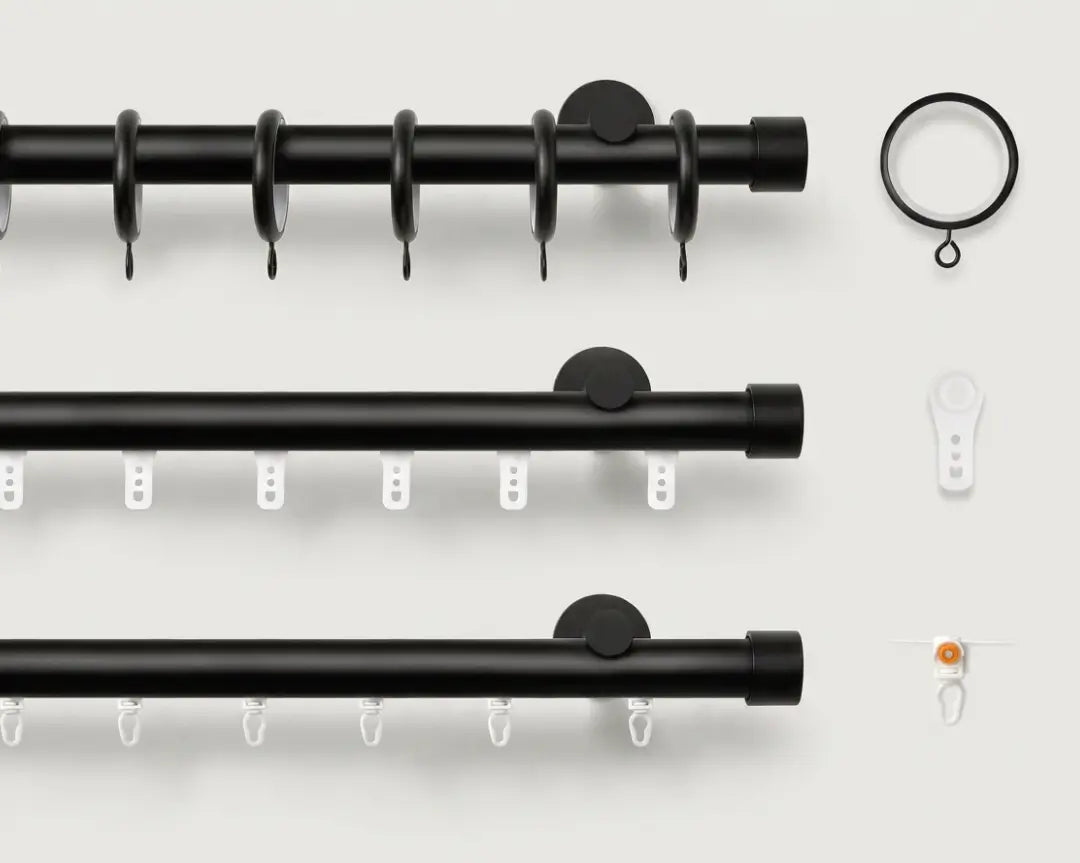
Motorized & custom-sized to fit your window
Designed specifically for ripple-fold curtains
Slim, hidden track for a clean, modern look
Easy installation with a minimalist finish
Step 1: Download the Tuya app and open it.
Step 2: Tap Add Device.
Step 3: Select Small Home Appliance.
Step 4: Choose Curtain (Wi-Fi).
Step 5: Find your Wi-Fi network, enter the password, and confirm.
*Note: It only supports 2.4GHz connections.
Step 6: Press and hold the reset button on the curtain track for 5 seconds until the indicator light starts blinking.
Step 7: Use Open / Close / Pause to test the curtain and make sure it operates properly.
Please contact us via email at support@freshinelife.com
if you still have any questions about connecting the Kaelen Motorized Curtain Track to your phone.
